


If you run search across a large WordPress network, you know the feeling: everything works fine on a handful of sites, then you add the fortieth subsite and things start to drag. WordPress multisite search should stay fast and dependable no matter how many sites sit behind it, and SearchWP 4.6.1 is a maintenance release focused squarely on making sure it does.
This update is all about reliability and polish. There are no new settings to learn. SearchWP 4.6.1 tightens up how indexing behaves on big networks, smooths out a couple of compatibility edges, and makes the Search Forms setup screen easier to read.
Steadier WordPress Multisite Search on Large Networks
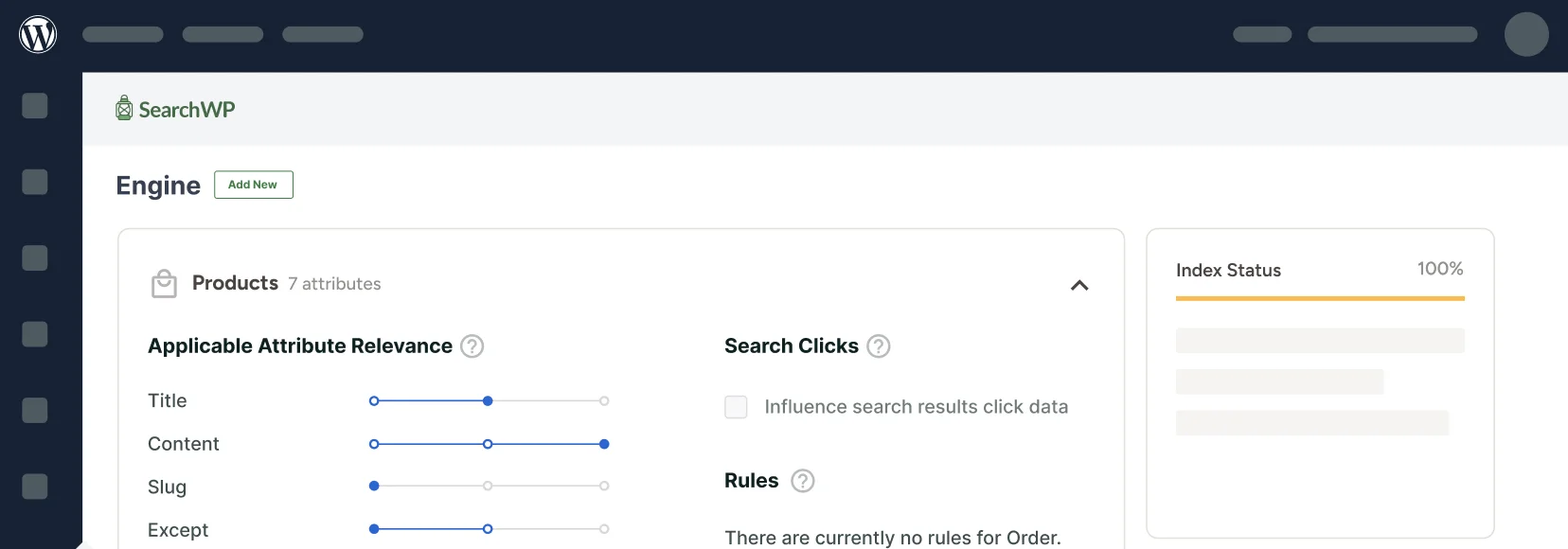
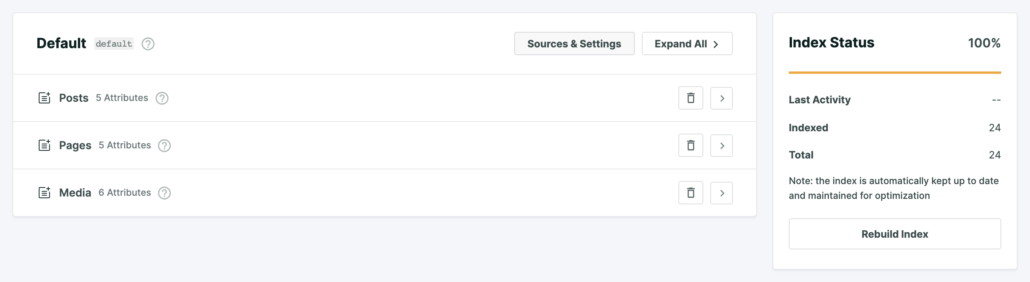
SearchWP keeps your index healthy with a background process that quietly checks in and processes new content. On very large multisite networks, that background work could get carried away, repeating setup work every time WordPress switched between sites in a single request. On networks with dozens of subsites, that added up fast enough to slow pages down or hit memory limits.
SearchWP 4.6.1 makes that background work run once per site per request, the way it always should have. If you manage a network with many subsites, your WordPress multisite search stays responsive and your indexing keeps humming along in the background without dragging the rest of the site down. Smaller sites will not notice a difference, because nothing changes for them. The networks that were feeling the strain are the ones that get their breathing room back.
A Clearer Search Forms Setup
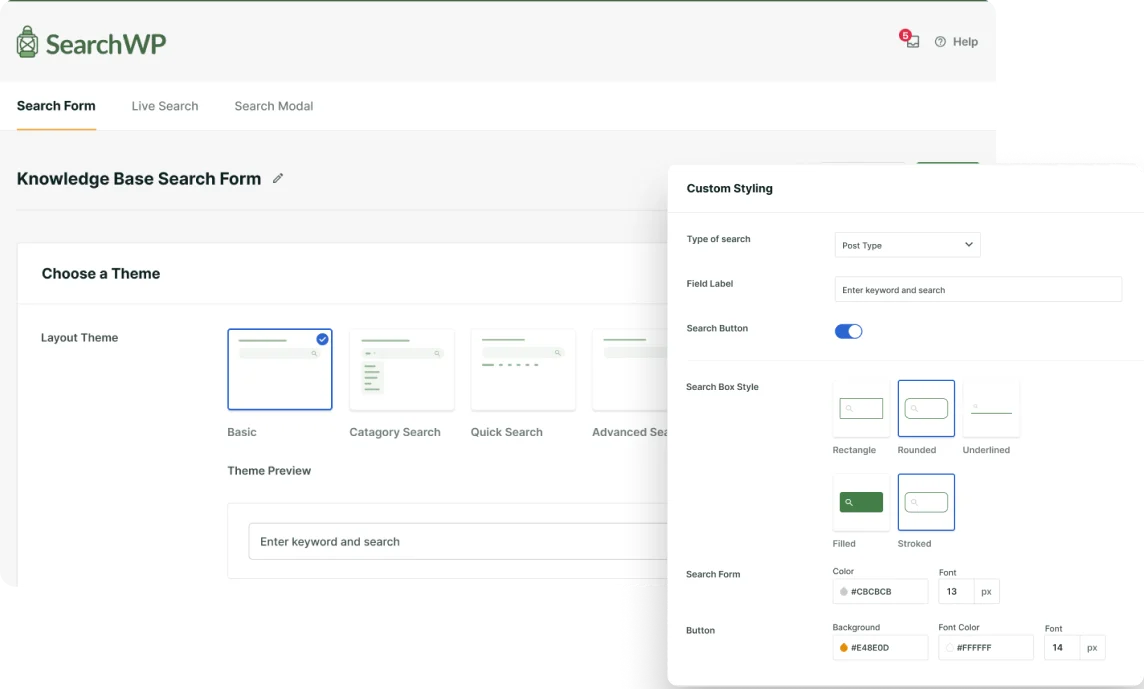
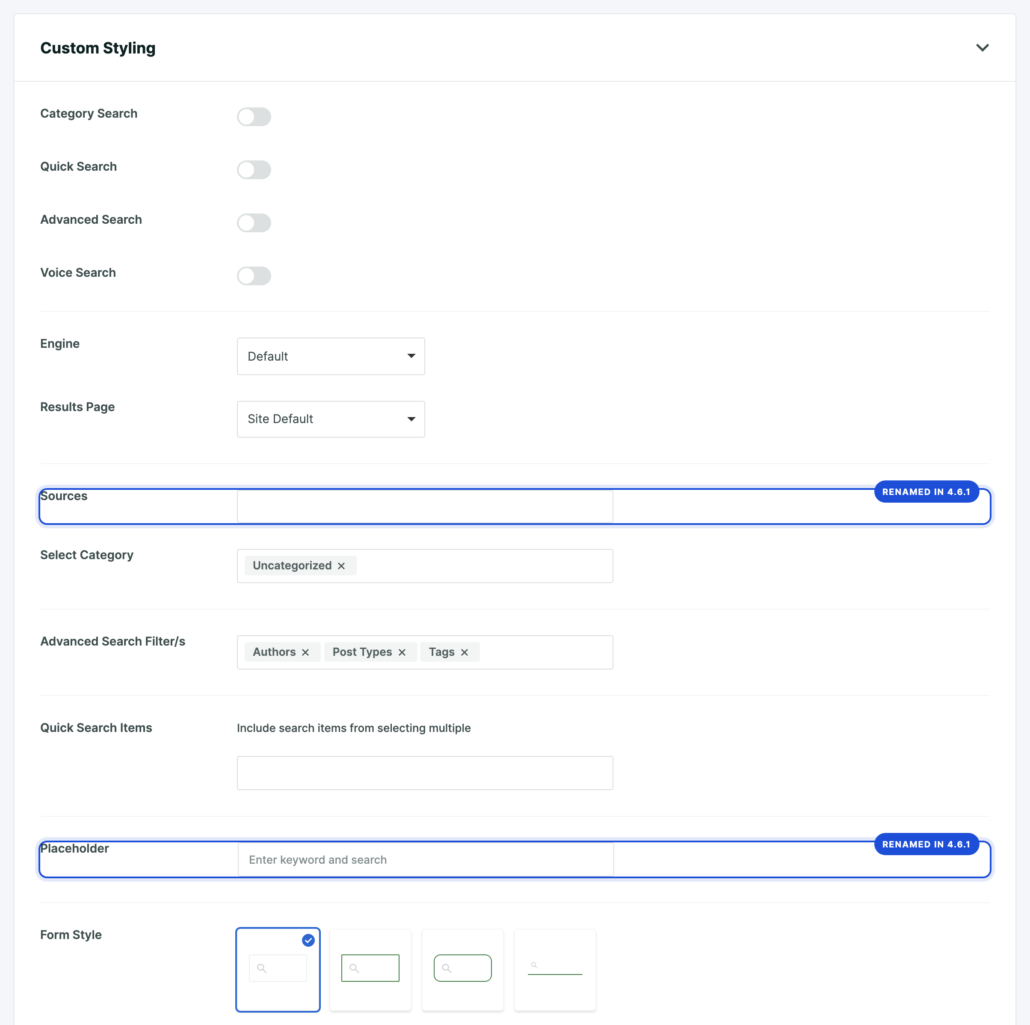
The Search Forms builder got a tidy-up. The settings now read in a more natural top-to-bottom order, and a couple of labels were renamed to match what they actually do. “Type of Search” is now “Sources”, and the old “Field Label” is now simply “Placeholder”.
Nothing about your existing forms changes. If you build a new search form, though, the options line up the way you would expect, so there is less hunting around for the right control.
Quieter Under the Hood
A few smaller fixes round out the release, the kind you will never see but will quietly benefit from:
- Better compatibility with newer PHP versions when SearchWP checks for plugin updates, so update checks keep working smoothly on modern hosting.
- Better compatibility with the WordPress 7.0 block editor, so SearchWP’s admin styling stays where it belongs and no longer reaches the editor canvas.
- A fix for the Offsite PDF extension, so reintroducing a PDF whose text extraction previously failed now re-parses its content instead of coming back empty.
- The Hide Announcements setting now behaves as labeled, keeping promotional notices out of your dashboard while still surfacing the important notices you actually need to see.
Update for a More Reliable Search
SearchWP 4.6.1 is a free update for anyone with an active SearchWP license, and it is an easy one to take: no configuration changes, no new setup, just a steadier WordPress multisite search and a cleaner setup experience. Update from your WordPress dashboard, or review the full changelog for the details.
If you want a refresher on running SearchWP across a network, the multisite documentation walks through it, and the Search Forms guide covers the updated builder.
As always, our support team is here if you run into anything, and we would love to hear what you would like to see next. Happy searching.