



Tools
The WPFilters Tools page provides essential utilities for managing your filter configurations, transferring settings between sites, and accessing support resources.
Import/Export
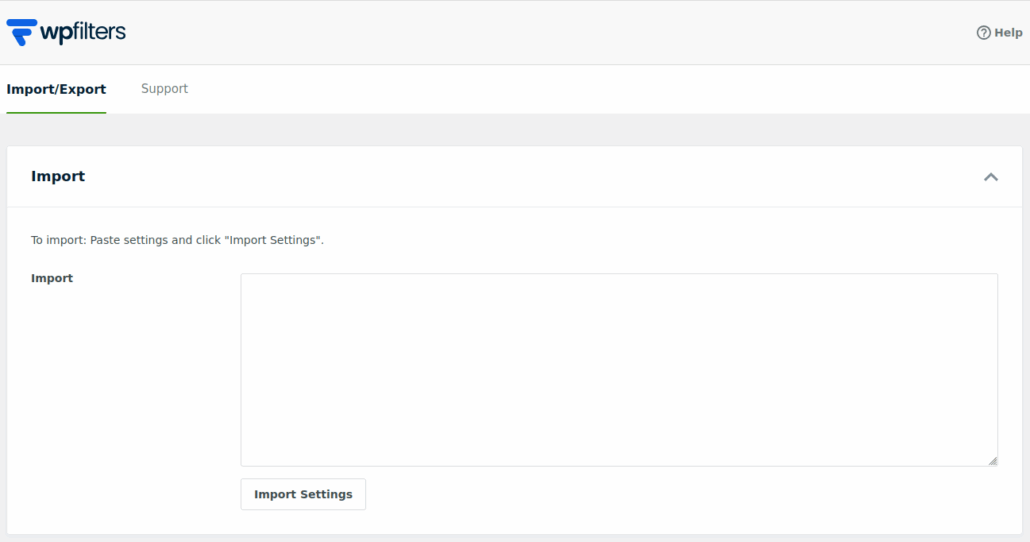
The Import / Export section allows you to transfer WPFilters settings and Filter Elements from one WordPress site to another. This is particularly helpful when working with multisite networks, staging environments, or multiple client sites that require the same filtering setup.
All exported data is provided in a JSON format, which can be downloaded and optionally edited before being imported into another site. This makes it easy to adjust configurations such as filter options or data sources prior to reuse.
When importing settings, WPFilters will replace any existing Filter Elements and settings on the target site. For this reason, it is recommended to create a backup before importing, especially on production sites.
Support
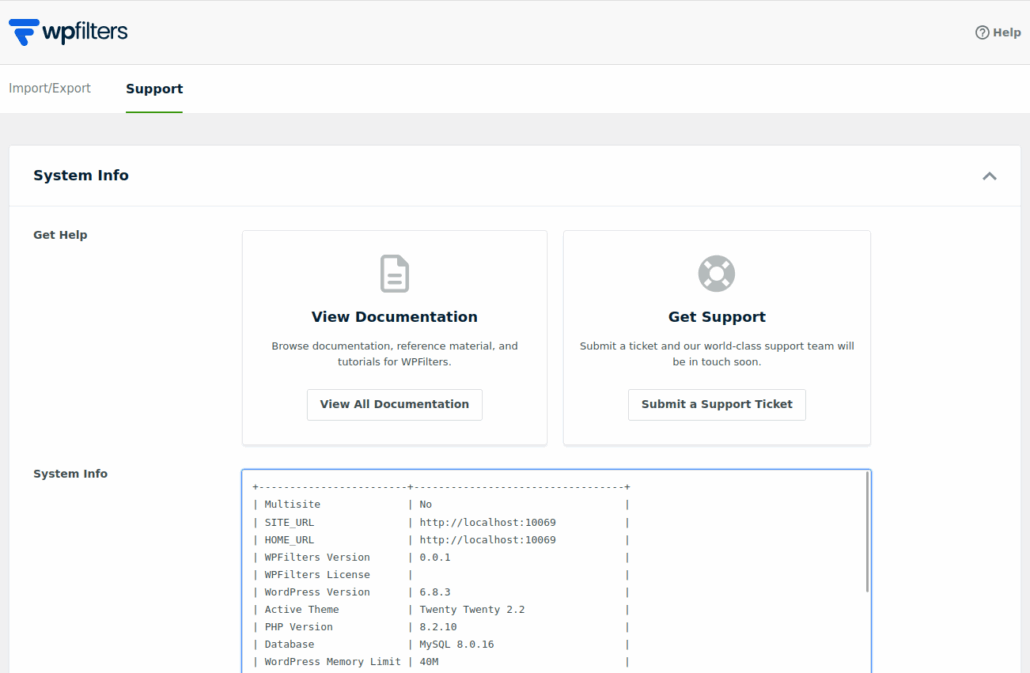
The Support section provides quick access to WPFilters documentation and support channels. From this page, you can navigate to the official WPFilters documentation to learn more about plugin features, configuration options, and troubleshooting steps.
If additional assistance is required, you can open a support ticket directly from this section. Clicking the support link will redirect you to your WPFilters account, where you can submit a detailed request to the support team.
In addition to support links, this section also displays important system information about your WordPress installation. This includes details such as the active theme, installed plugins, PHP version, and server environment. Sharing this information with the support team can help diagnose issues more efficiently and ensure faster resolution.
