


Do you want to make multilingual sites searchable in WordPress?
Imagine stepping into a bustling marketplace, eager to explore its treasures. But wait, the shopkeepers speak a different language!
Even though you can walk around the marketplace, you cannot ask for help or get any assistance. Frustration sets in, and you leave empty-handed.
That’s what happens to visitors on your multilingual websites without multilingual search. They cannot easily find what they need despite being interested in your content.
This is why having a search form on your multilingual website is crucial for your business.
In this article, we will show you how to make multilingual sites searchable in WordPress.
Why It’s Essential To Make Multilingual Sites Searchable In WordPress
Users often need help finding information on websites with multiple languages because there’s no search feature, or the existing one shows content in the wrong language.
You can help visitors quickly find the content they want by making your multilingual website searchable. This improves their experience and keeps them on your website for longer.
Moreover, studies show that 76% of shoppers prefer to shop on websites in their native language. This highlights the importance of removing language barriers and creating a seamless experience for all visitors.
Adding multilingual search is not only about upgrading technology; it’s a smart move that reaches more people, makes users happier, and increases conversions.
Therefore, let’s learn how to make multilingual sites searchable in WordPress.
How To Make Multilingual Sites Searchable In WordPress
The fastest and easiest way to make multilingual sites searchable in WordPress is by using SearchWP.

It is the most powerful WordPress search plugin that instantly makes your multilingual site searchable without writing a single line of code.
Here are some of the things SearchWP does for multilingual sites:
- Language-Aware Indexing: SearchWP indexes your content by language so search results stay relevant to the active language on your site.
- Multilanguage Plugin Integration: SearchWP works directly with the most popular multilingual tools like Universally, and plugins like WPML and Polylang.
- Custom Fields Search: SearchWP searches translated custom field data too, not just titles and post content.
- Fuzzy Search: Visitors who make small spelling mistakes still get the right results, in the right language.
- Voice Search: Allow users to speak their queries instead of typing and provide a smooth user experience.
With that, let’s see how you can use SearchWP to make your multilingual site fully searchable.
Step 1: Install and Activate SearchWP
First, you’ll need to visit the SearchWP website and sign up for a new account.
Once signed in, go to the Downloads tab in your account dashboard.
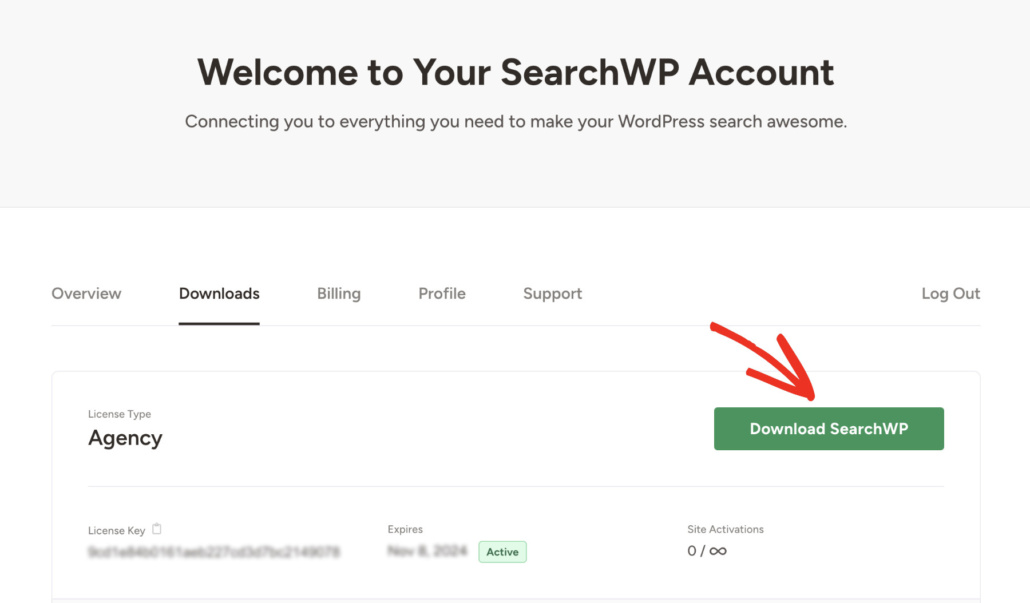
From here, click Download SearchWP and save the ZIP file to your computer. You can also copy the license key, as you’ll need it during setup.
Next, install and activate the plugin on your WordPress site. If you need a hand with this, see this guide on how to install a WordPress plugin.
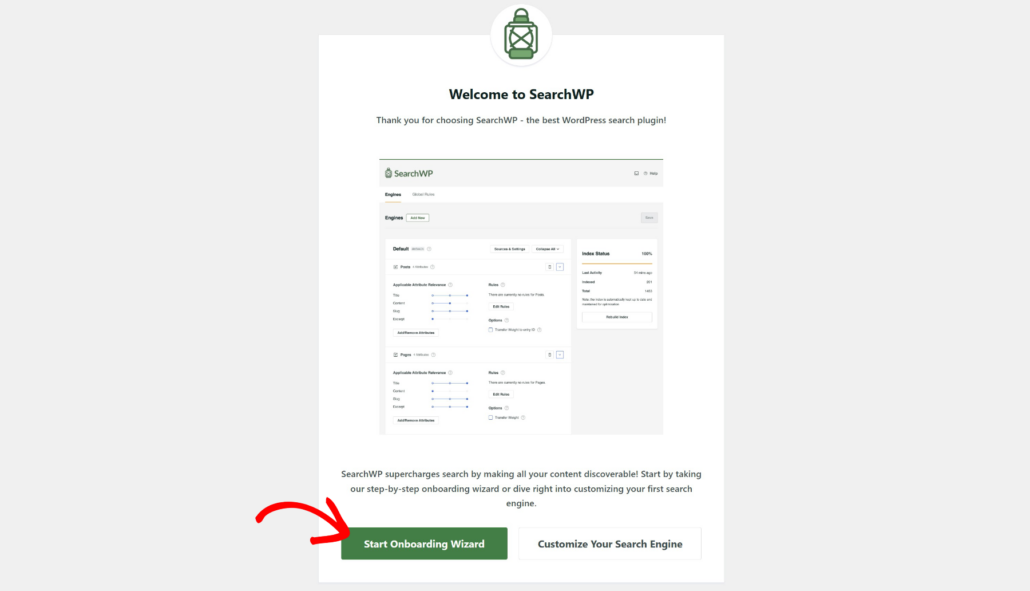
After activation, the onboarding wizard will appear. Go ahead and click Start Onboarding Wizard and follow the steps to complete the initial setup.
Step 2: Configuring SearchWP For Multilingual Search
By the time you get here, SearchWP has indexed your website content. You can ensure that by visiting SearchWP » Algorithms. If the Index Status is 100%, then indexing has been completed.
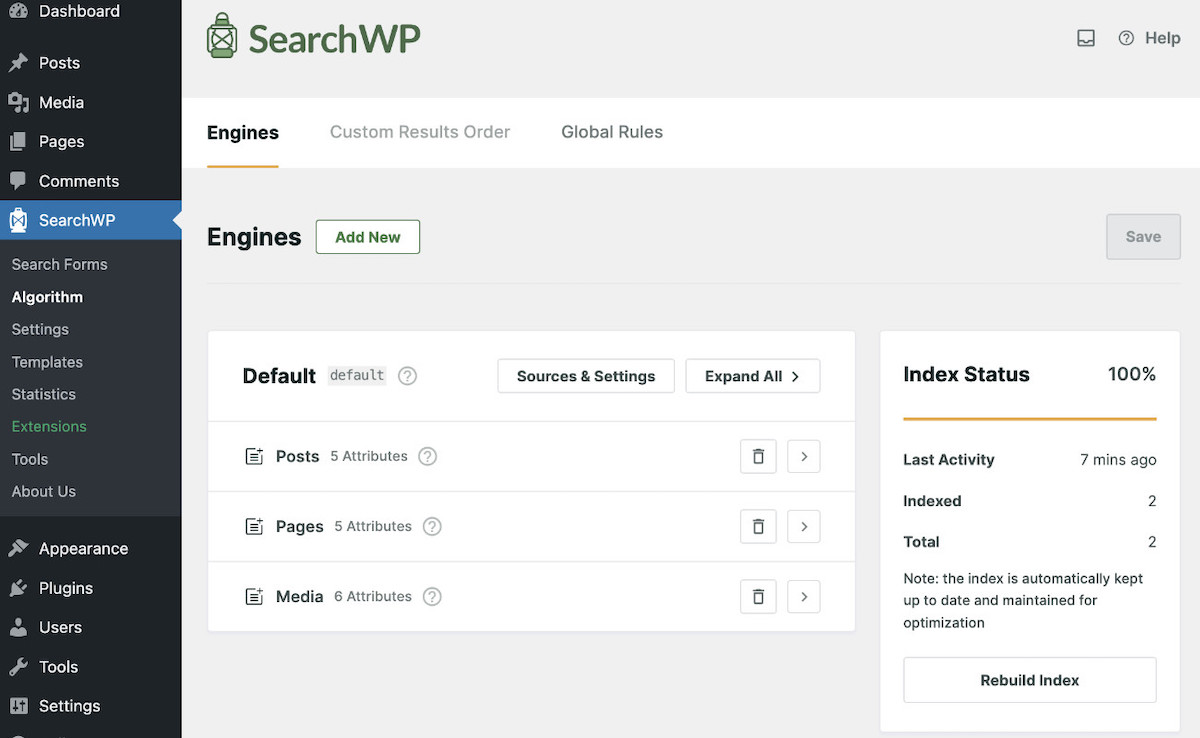
As SearchWP automatically indexes content, it also indexes all translated content.
Plus, if you’ve made your multilingual site with Universally, WPML, or Polylang, SearchWP integrates smoothly for a seamless search experience.
Here’s how to set up the integrations.
Step 2.1: How To Make a Universally Multilingual Site Searchable
Universally is an AI-powered WordPress translation plugin that automatically translates your entire site into 110+ languages.
It covers everything from posts and pages to menus, WooCommerce products, and SEO metadata, without touching your WordPress database or requiring any code. The translated content lives on an external layer, so your site stays fast, and your existing setup stays intact.
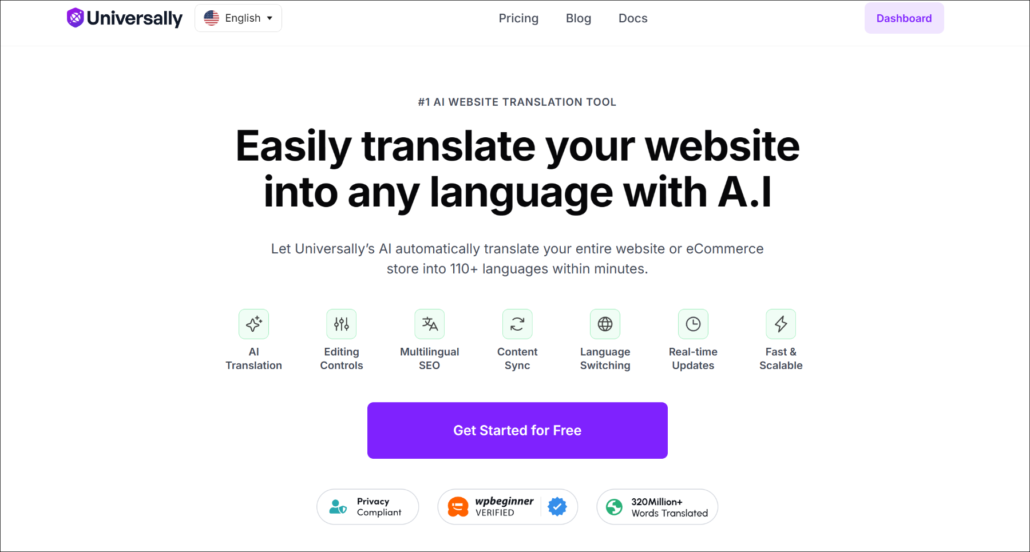
With SearchWP, you don’t need to set up anything additional, with Universally already running on your site.
It will automatically make your AI-translated content searchable in WordPress.
So when a user switches to their preferred language and searches for a blog or product, SearchWP will be able to show them accurate results.
Step 2.2: How To Make WPML Multilingual Site Searchable
To make your WPML site searchable, all you need to do is visit SearchWP » Extensions.
Next, find WPML Integration from the list and click Install. That’s it!
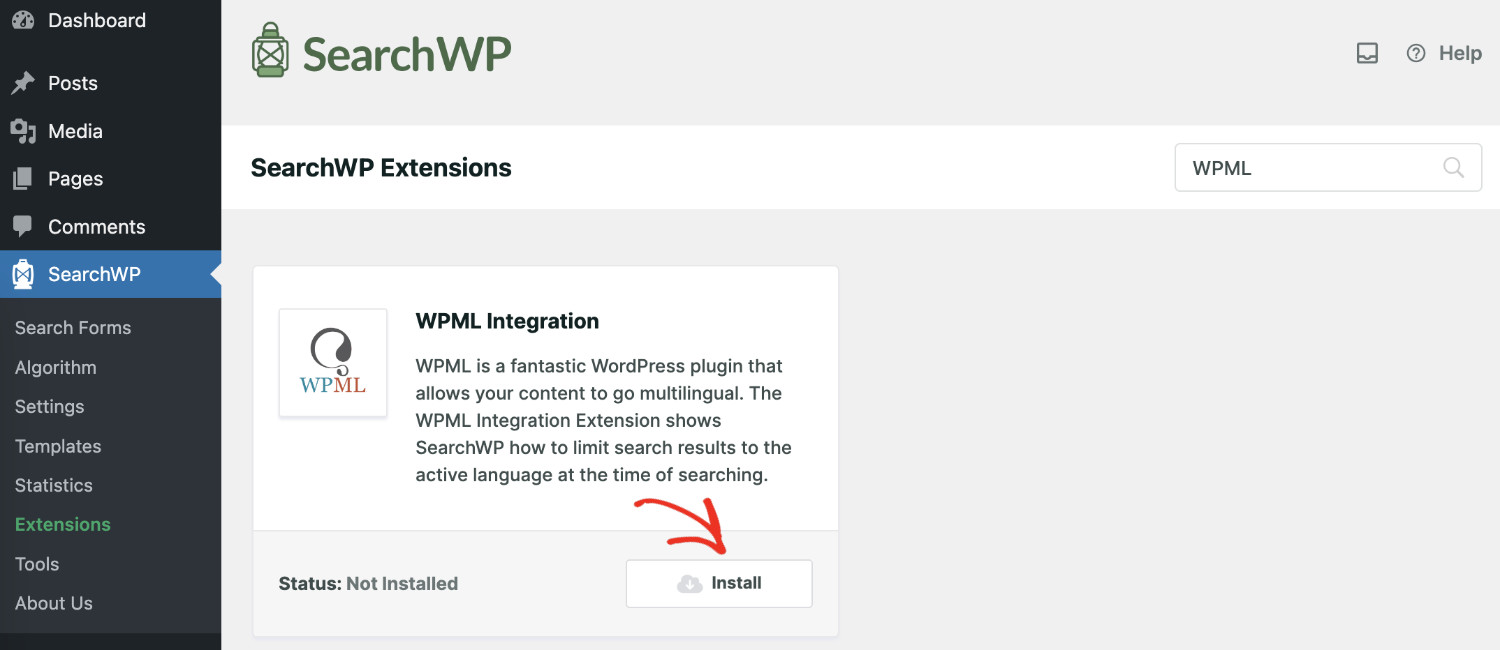
Your WPML multilingual site content is now searchable.
Step 2.3: How To Make Polylang Multilingual Site Searchable
To make your Polylang site searchable, all you need to do is visit SearchWP » Extensions from the WordPress dashboard.
After that, navigate to the Polylang Integration from the list and click Install. That’s it!
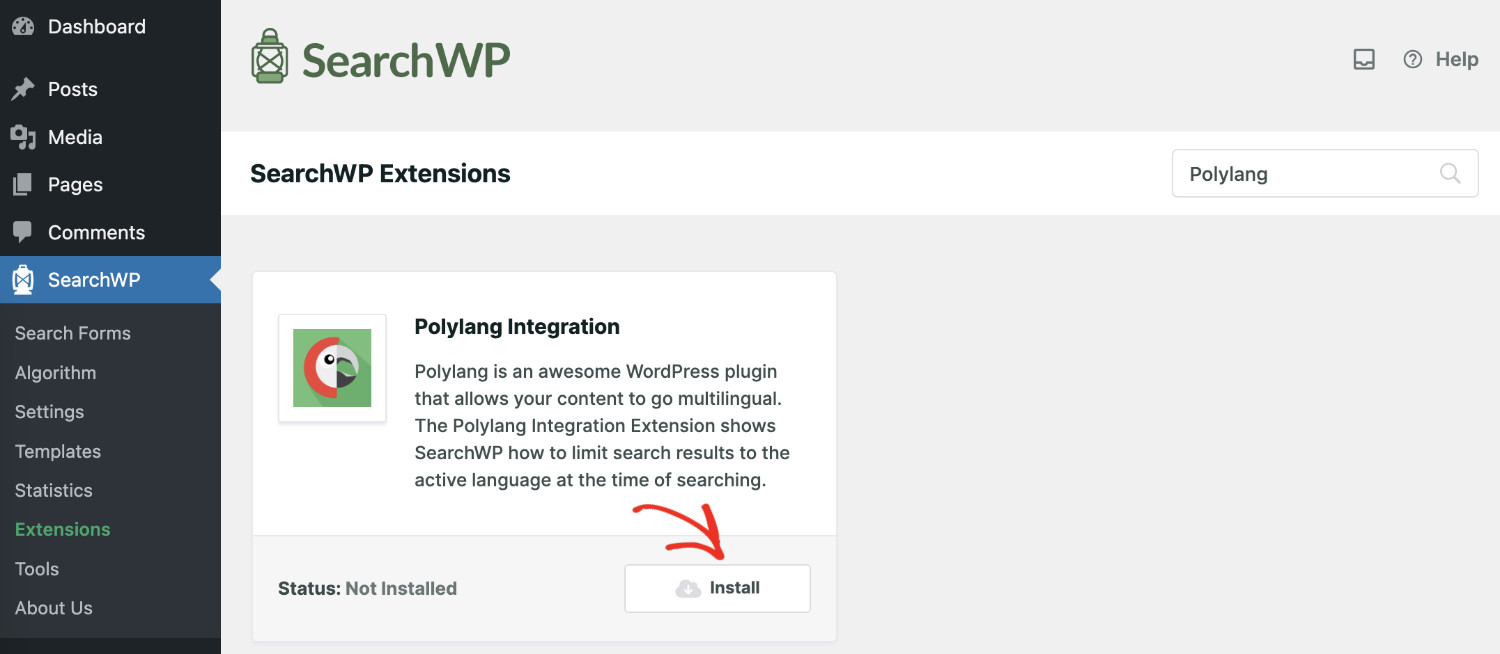
Once installed, it activates automatically.
Your Polylang multilingual site content is now searchable.
Step 3: How To Add A Search Form To Your Multilingual Website
Now that the content of your multilingual website has been properly indexed. You need to add a search form that users can use to enter their search query.
It’s effortless to do with SearchWP, and you don’t need coding experience. To add a search form to your website, please follow these steps:
- Create A Search Form: Visit SearchWP » Search Forms, and click the ‘Add New’ button. It’ll create a search form with a system-generated name. Please give an appropriate name.
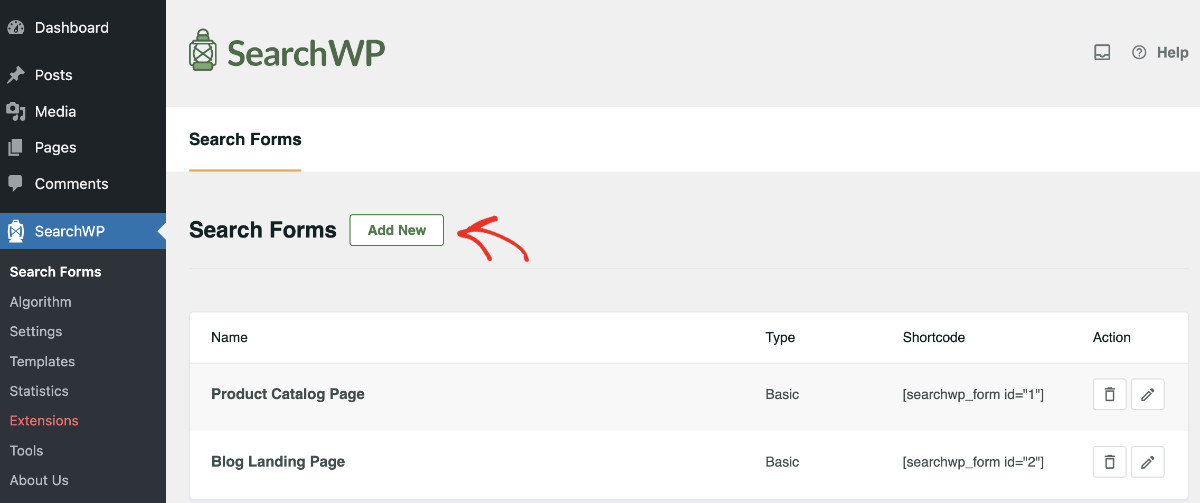
- Configure The Form: Choose a layout that fits your website and adjust the form as needed. Make sure to select the proper engine and results page for the form.

- Saving The Search Form: Once you modify the form according to your needs, please click “Save” on the top right corner.
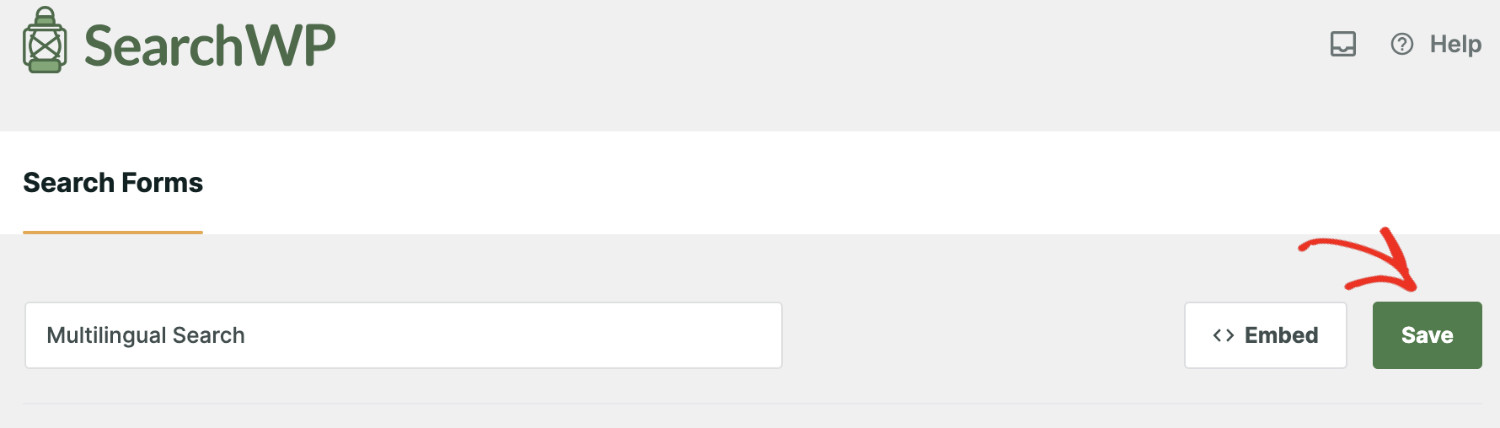
- Add The Search Form: Now, to publish the form on the front end, please click on “Embed” right beside the “Save” button. You’ll see a modal popup with instructions on how to publish it. The easiest way is to open the page in edit mode where you want to add the form. Then, use the “Search Form” block to add the form.
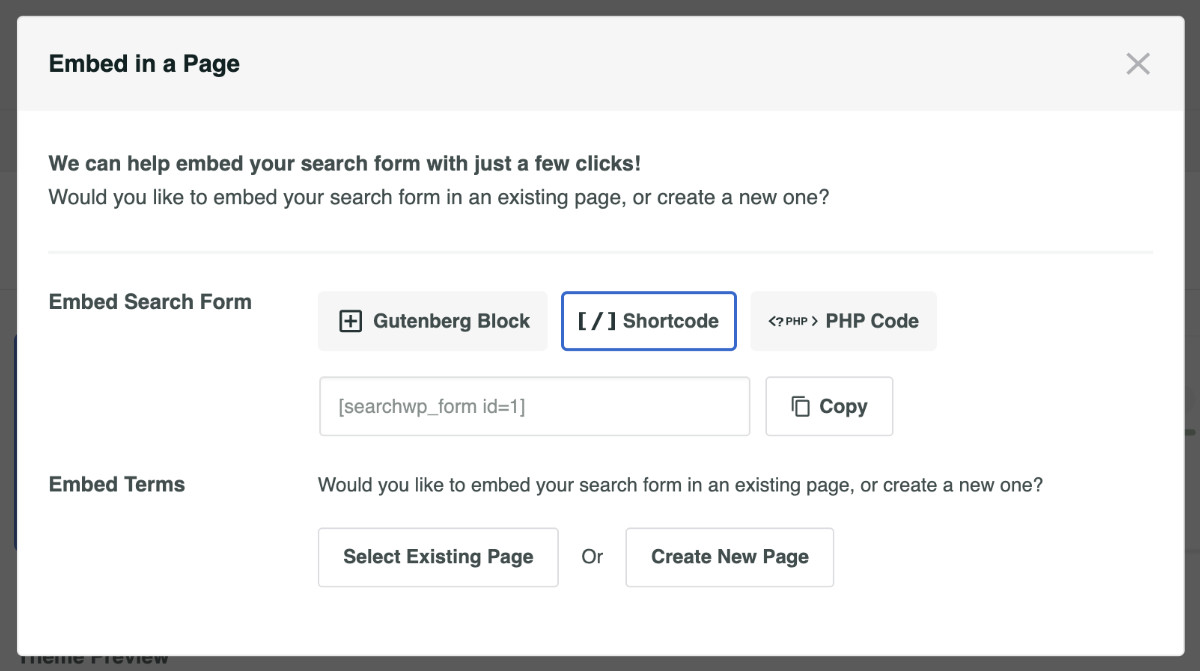
For detailed instructions on setting up a search form, please take a look at our guide on how to create advanced search forms in WordPress.
FAQs about Multilingual Search in WordPress
1. Does SearchWP work with Universally, WPML and Polylang?
Yes, SearchWP works seamlessly with Universally, and it has dedicated integration extensions for WPML and Polylang plugins. We’ve tested it on sites running both configurations, and the language-aware indexing works reliably with either setup.
2. What happens if a page hasn’t been translated to a particular language?
SearchWP will only return results for content that exists in the active language. If a page hasn’t been translated, it won’t appear in search results for that language, which prevents visitors from landing on content they can’t read. Do note that WPML has an option to fall back to the original language. When enabled, SearchWP will respect that option.
3. Can I search translated custom fields and metadata?
Yes. SearchWP indexes translated custom field data when you add those fields in the Add/Remove Attributes section of the search engine configuration. From our experience, this step is often overlooked, so it’s worth double-checking after the initial setup.
4. Do I need a separate search engine for each language?
No. SearchWP handles language-specific filtering automatically through the Univserally, WPML, or Polylang integration. One search engine configuration covers all your languages without needing separate instances.
You can instantly elevate your multilingual website browsing experience by adding the search functionality. The return on investment (ROI) will speak for itself.
We hope this tutorial helped you learn how to make multilingual sites fully searchable in WordPress. You may also want to see our guides on how to fix the custom post type search not working in WordPress and how to add custom fields search in WordPress.
Get SearchWP now to create a powerful, personalized search experience that transcends languages.